|
First time trying one of my Tutorials? Then please check my Terms of Use before you continue
Font of your choice - I used one called Hiatus Tube of your choice - I will be using the artwork of Ivan Flores And my Tile Preset which you can get HERE ... unzip into your Presets folder
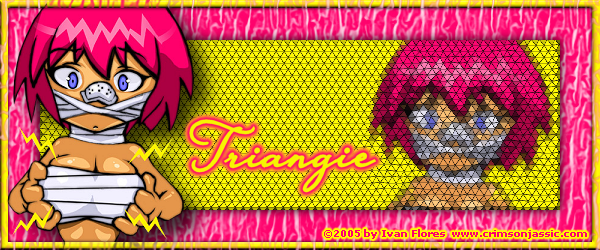
Foreground Color to a bright color from your Tube Tin Foil from the Textures bit as shown below Flood Fill layer ... Layers> New Raster Layer ... Selections> Select All Selections> Modify> Contract ... by 8 ... Selections> Invert Change you Foreground Color To a different color from your Tube And make sure your "Tin Foil" texture is selected like before Effects> 3D Effects> Drop Shadow ... with the following settings Selections> Select All ... Selections> Modify> Contract ... by 40 Un-check the Textures box ... And click OK Flood Fill Selection ... Paste your Tubs as aNew Layer to until it fits in the right side of the rectangle Selections> Invert ... Hit DELETE on your keyboard ... Selections> Select None Paste your Tube as a New Layer ... Position your Tube on the left side of your tag Activate the layer with the frame on ... Layers> Arrange> Bring to Top Re-written 22/04/2011 |